Apr 2026
In modern video games, we’re seeing more and more objects that need to be rendered. That’s why we’ve often used techniques like instancing and culling, but now even that isn’t enough. The CPU is still doing too much work, which causes the GPU to sit idle. The solution is to offload more work from the CPU to the GPU. That’s exactly what I did in this self-study project, which I completed alongside my main coursework at BUAS. In this post I’ll walk through how I implemented GPU-driven rendering using indirect rendering and compute shaders.
In a traditional CPU-driven renderer, the CPU loops through every object in the scene each frame, records a draw call for each one, and submits them to the GPU. This is fine for a small scene, but at hunderds of thousands of objects, that’s also hunderds of thousands of draw calls, state changes, and API calls the GPU can’t start until the CPU is done. The CPU becomes the bottleneck.
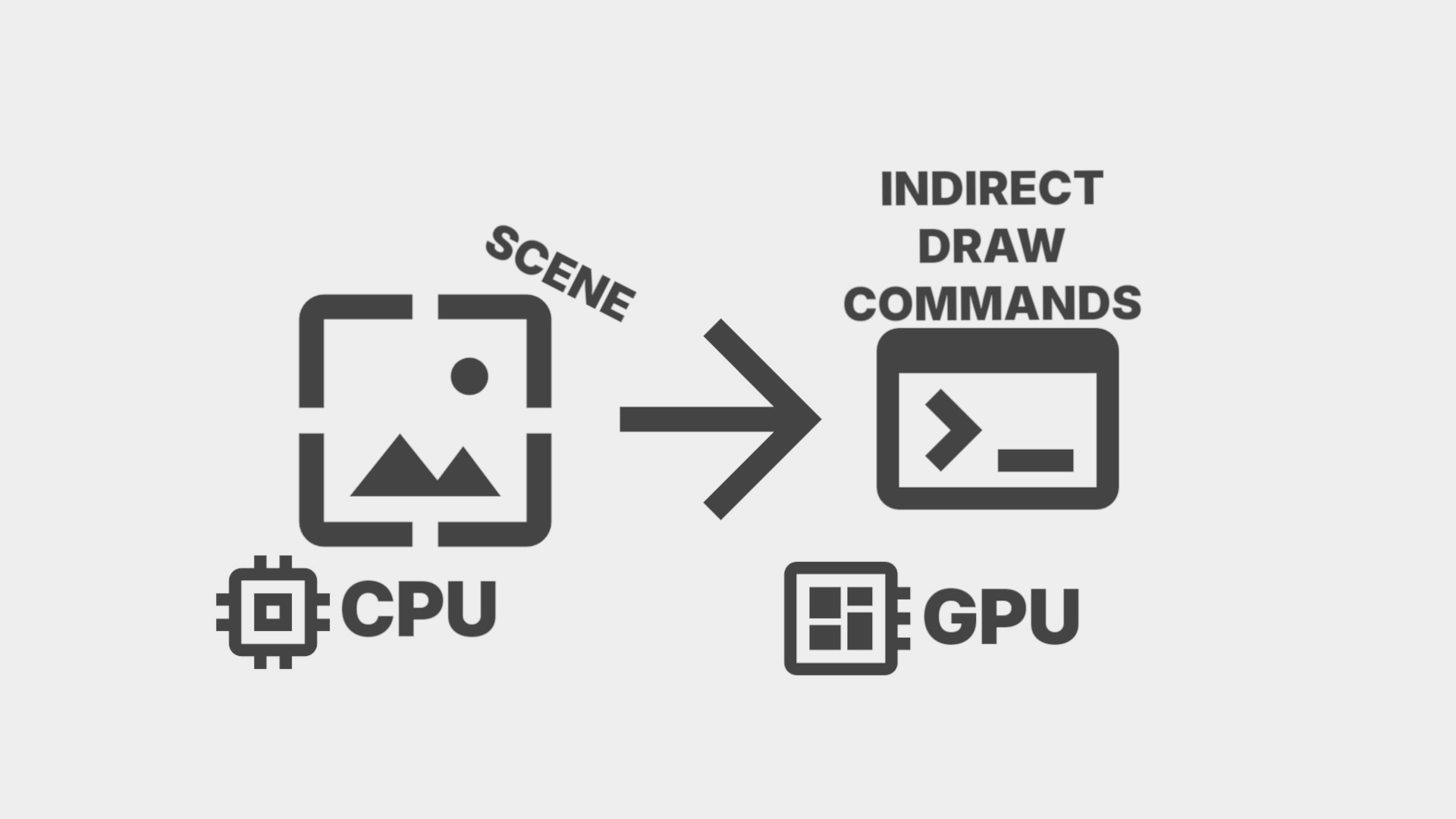
Multi-Draw Indirect changes it so instead of the CPU recording what to draw, the draw commands live in a buffer on the GPU. The CPU then submits one call and the GPU executes the commands itself. This eliminates the need for a CPU loop or any per-object API calls. The CPU’s job is now only uploading object data and submitting a single command.
So in Vulkan each draw command would look like this:
struct DrawIndexedIndirectCommand {
  uint32_t indexCount;
  uint32_t instanceCount;
  uint32_t firstIndex;
  int32_t  vertexOffset;
  uint32_t firstInstance;
};
All mesh data lives in two large buffers for vertices and indices respectively. Because of this each command just needs to know where its mesh starts: firstIndex, vertexOffset, and the amount of indices it will have: indexCount. It only needs to bind the buffers once to then just offset into those buffers.
An array of these live in a buffer on the GPU. The single draw call that executes all of them looks like this:
cmd.drawIndexedIndirectCount(frame->IndirectBuffer()->get(), 0, frame->DrawCount()->get(), 0, render_objects_size,
                             sizeof(vk::DrawIndexedIndirectCommand));
It’s important to note here that I’m using drawIndexedIndirectCount instead of drawIndexedIndirect. Whereas drawIndexedIndirect takes a draw count from the CPU, drawIndexedIndirectCount reads it from a buffer on the GPU alongside a maximum draw count. I’ll explain why this is necessary later.
A compute shader runs before the draw call, once per object in parallel. It reads from a buffer of render objects which each store a mesh ID and a transform. It then looks up that mesh’s index and vertex offsets and writes a complete draw command into the indirect buffer.
Each render object in the buffer looks like this:
struct RenderObject
{
  glm::mat4 model;
  uint32_t mesh_id;
  int32_t padding[3];
};
Then the compute shader looks like this:
void main(uint3 dispatchThreadID : SV_DispatchThreadID)
{
  uint index = dispatchThreadID.x;

  if (index >= pushConst.renderObjectCount)
    return;

  RenderObject obj = renderObjects[index];
  MeshInfo info = meshInfos[obj.meshID];

  uint countedIndex;
  InterlockedAdd(drawCount[0], 1, countedIndex);

  outputCommands[countedIndex].indexCount = info.indexCount;
  outputCommands[countedIndex].instanceCount = 1;
  outputCommands[countedIndex].firstIndex = info.firstIndex;
  outputCommands[countedIndex].vertexOffset = info.vertexOffset;
  outputCommands[countedIndex].firstInstance = index;
}
Notice firstInstance = index. That’s not a mistake. I’ll explain why in the next section.
Also notice InterlockedAdd(drawCount[0], 1, countedIndex). Instead of writing commands at a fixed index, the compute shader atomically increments a counter and uses that as the write index. This is why drawIndexedIndirectCount is used instead of drawIndexedIndirect: the draw count lives in a GPU buffer that the compute shader writes to. Right now every object gets written, so the count always equals the total. But once some form of culling is added, the compute shader can simply skip culled objects and it will automatically only count the surviving ones. The CPU never needs to know how many survived.
There’s a problem. MDI combines everything into one draw call, but each object still needs its own transform. Push constants aren’t an option. They’re per draw call, not per object. So how does the vertex shader know which transform to use?
You would think that firstInstance is for instancing the same mesh multiple times. That’s not wrong, but it misses its real utility. firstInstance is just a number the vertex shader receives as SV_StartInstanceLocation. It doesn’t have to mean anything about instancing, it’s just a number.
In the vertex shader, SV_StartInstanceLocation receives whatever was written to firstInstance. Combined with SV_InstanceID you get a unique index per object:
VertexOutput main(VertexInput input, uint instanceID : SV_InstanceID, uint baseInstance : SV_StartInstanceLocation, uint drawID : SV_DrawIndex)
{
  VertexOutput output;

  uint index = baseInstance + instanceID;
  RenderObject renderObject = renderObjects[index];

  float4x4 model = renderObject.model;
  float4 worldPos = mul(model, float4(input.position, 1.0));
  float4 viewPos = mul(pushConst.view, worldPos);

  output.position = mul(pushConst.proj, viewPos);
  return output;
}
It reads it back and gets the correct transform from the storage buffer. Every object gets its own data with no CPU involvement. Note that firstInstance is set to index, not countedIndex. When culling is added, those two numbers will start to differ: a command might be written at position 7 in the buffer but belong to render object 42. Using index makes sure that it uses the original object ID so the vertex shader always finds the right transform no matter where the command ended up.
Now I haven’t mentioned synchronization, which is quite important. The compute shader writes to the indirect buffer and the draw count buffer. The graphics pass reads from both. We need a pipeline barrier between the two passes to ensure the graphics pass does not start before the compute shader has finished writing. Without it the GPU may read partially written or undefined data.
With the indirect buffer filled by the compute shader and a single drawIndexedIndirectCount call, my renderer handled 636,000 objects at 60 FPS with one draw call on the graphics queue.
Right now the compute shader writes every object regardless of visibility. Since the draw count buffer is already set up for it, the compute shader just needs to test each object against the frustum and skip invisible ones. I cover exactly this in Frustum Culling from a Programmer’s Perspective